

Make a Photo Talk with AI Talking Avatar
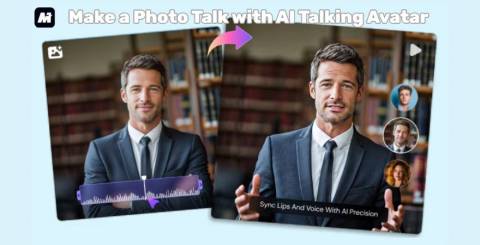
It's surprising how often we look at a still photo and imagine what the person might sound like if they could speak. In marketing, training, or even personal projects, giving a voice to a static image can make your message feel much more engaging. Thanks to the recent rise of make a photo talk AI tools, this idea is no longer something reserved for professional studios. Anyone can animate a portrait and turn it into a lifelike AI talking head that delivers a script with clarity and expression.
In this guide, we walk through how Media.io helps you create a polished AI talking avatar directly in your browser. You don't need editing experience or technical knowledge—just a single photo and a message you want your avatar to share.
What Is a Make a Photo Talk AI Tool?
A make a photo talk AI tool is designed to animate a still picture, so it appears to speak naturally. You upload an image, type or generate a script, choose a voice, and the system handles the animation. With facial landmark detection and synchronized motion modeling, the tool produces a realistic AI talking head that matches lip shapes and expression to the spoken audio.
Modern engines go far beyond basic lip-sync. A good AI talking head video generator adds subtle head movements, eye blinks, and emotional nuance so the final video feels closer to a real human performance.
Why Media.io Is the Best AI Talking Avatar Tool to Make a Photo Talk
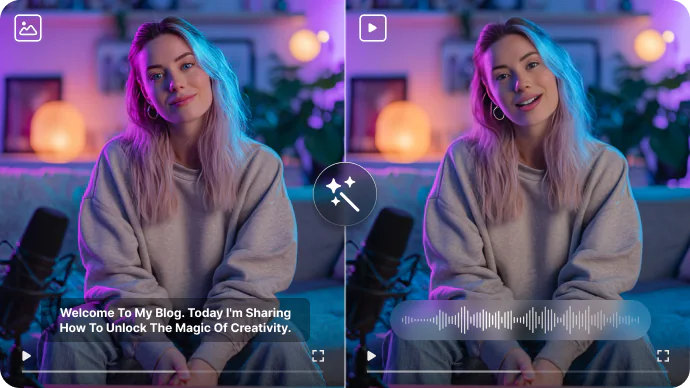
What separates WonderShare Media.io from ordinary talking-photo tools is its foundation. The platform positions itself as a one-stop audio and video creation hub built on advanced AI models, and that identity runs through every part of its workflow.
The Media.io AI Talking Avatar engine produces smooth, expressive motion that works well for business presentations, educational narrations, promotional clips, and character-driven storytelling. The animation feels purposeful instead of robotic, which makes a difference when the avatar is delivering information or representing your brand.
But real strength lies in the broader ecosystem. Media.io offers 5000+ ready-to-use templates, covering social media formats, training videos, product explainers, ad creatives, and more. Instead of finishing with only a talking portrait, you can place your avatar into a complete visual layout—backgrounds, transitions, typography, scene breaks, and branding elements are already prepared.
What Else You can Use Media.io to Create
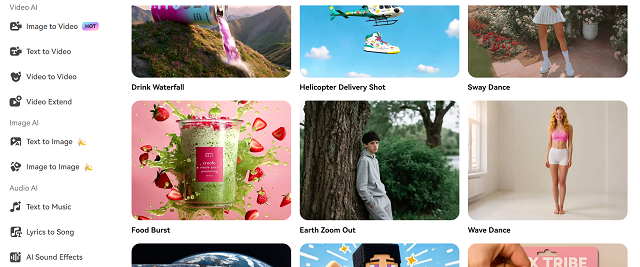
Alongside the avatar model, the platform runs several AI engines that support scriptwriting, voice generation, image creation, and video editing. Some abilities you can use in the same workspace include:
● AI Script Generator for drafting lines or rewriting your message
● Multi-language AI Voice Studio with different tones and character voices
● AI Text-to-Video for building scenes around your avatar
● AI image generation tools
● AI Video Enhancer for clarity, stabilization, and style refinements
Media.io also rewards logged-in users with daily credits that can be used across these tools. This creates a natural workflow where your animated photo becomes just one part of a larger multimedia project. When you combine the avatar engine with templates, voice models, and editing tools, Media.io becomes much more capable than a simple AI talking head video generator—it becomes a full creative environment.
Discover Trend-Focused Inspiration Inside Media.io's Explore Section
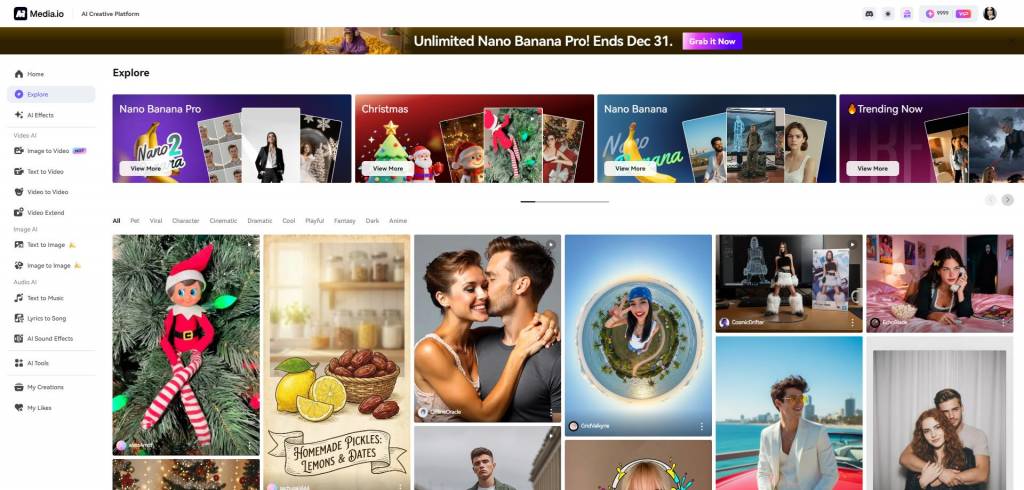
The Explore page offers a massive inspiration library featuring curated templates and creator-uploaded works. You can browse by trend, niche, or content format and instantly generate similar results with one click. It’s a simple yet powerful way to stay aligned with what’s visually relevant online.
How to Make a Photo Talk with Media.io AI Talking Avatar
Step 1. Upload Your Photo
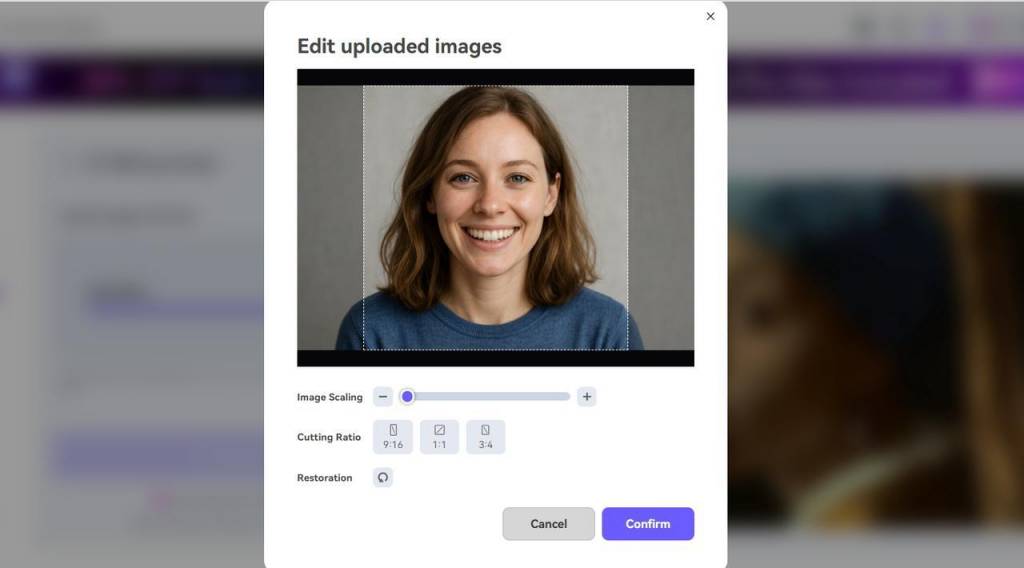 Start by opening the AI talking avatar page and uploading the image you want to animate. Clear, forward-facing portraits deliver the best results, but you can experiment with drawings, mascots, or stylized characters as well. This is the foundation of the make a photo talk AI workflow.
Step 2. Enter Your Script or Generate One Automatically
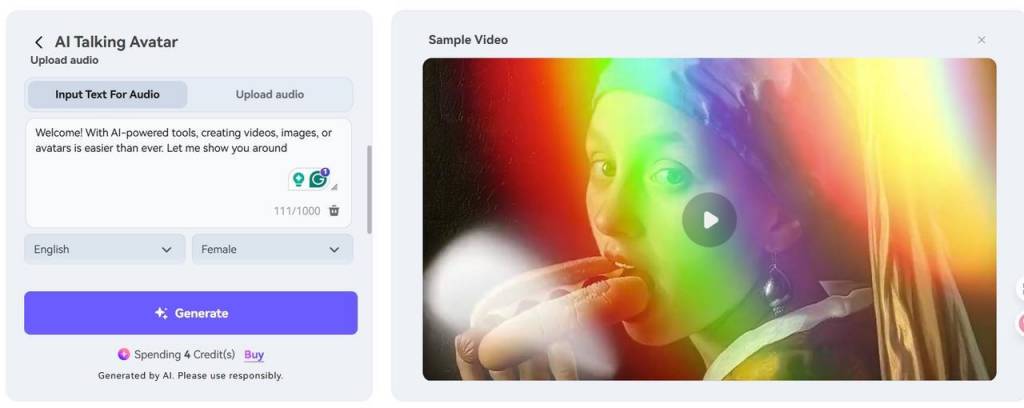
Next, either type your message or let the AI Script Generator craft a natural-speaking script for you. This is especially helpful if you're building educational content or preparing a short marketing announcement and want a clean starting point.
Step 3. Choose a Voice or Voice Style
Pick a voice that matches the personality of your avatar. Media.io’s model library includes multiple tones, accents, and languages. Each voice has its own rhythm and character, allowing your video to feel more intentional. Logged-in users can use their daily credits to explore additional voice options.
Step 4. Generate the AI Talking Head Video
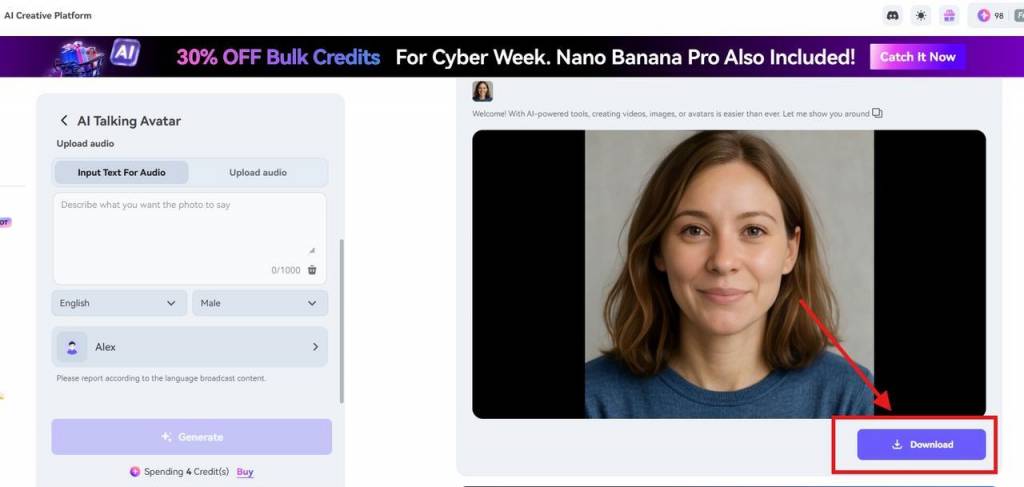 Once everything is set, click to generate. The platform's animation model analyzes your script and adapts facial motion, timing, and expression. Within a moment, you'll receive a finished clip from the AI talking head video generator—complete with natural motion and synchronized speech.
Step 5. Download or Add It to a Template
You can export the avatar as a standalone video or insert it into one of the platform's 5000+ templates. This is helpful when you're producing training materials, ad creatives, or social content and want your talking avatar to appear inside a full design environment.
Popular Use Cases for AI Talking Head Videos
A well-designed AI talking avatar can serve many different purposes:
● Brand storytelling: Let spokescharacters or mascots deliver your message.
● Education: Make lessons more dynamic by animating instructors or historical figures.
● Content creation: Use avatars as hosts for YouTube, TikTok, or short-form content.
● Business communication: Create onboarding guides or company updates with consistent delivery.
● Customer interaction: Build friendly virtual representatives that communicate visually.
Why Media.io Stands Out Among AI Talking Head Tools
Media.io's advantage comes from the combination of its large-model foundation and its creative ecosystem. Instead of offering a single avatar animation feature, the platform provides a connected suite of tools that cover scriptwriting, audio generation, motion modeling, visual design, and final video output.
Some benefits worth noting:
● Advanced audio and video large-model capabilities
● A massive library of 5000+ templates for producing complete videos
● A streamlined workflow from text to animation to editing
● Daily user credits that encourage continuous experimentation
This makes Media.io not only practical for beginners but also reliable for teams that produce content frequently and need consistent, high-quality results.
Summary
Animating a still image into a speaking portrait is no longer complicated. With make a photo talk AI technology, anyone can bring characters, photographs, or brand icons to life. Media.io's AI talking avatar tool stands out due to its lifelike animation model, strong voice engine, and deep integration with a broad set of video creation features.
Backed by thousands of templates and multiple large-model capabilities, the platform helps you build complete storytelling and marketing pieces without switching tools. If you’re ready to explore AI-driven video creation or give your images a voice that feels authentic, Media.io provides a powerful and flexible environment to help you do it.
Similar Articles

AI visual tools help solo creators generate thumbnails, images, and video fast—cutting design time without sacrificing quality or workflow.
Most people encounter "swap" tools as a single category. A video goes in, a different person comes out, and the marketing rarely bothers to explain what was actually exchanged.

In recent years, fluctuating raw material costs, pervasive labor shortages, and other such challenges have created a perfect storm for manufacturing organizations.

A content idea can be clear in your head and still become difficult the moment it needs a visual.

Explore MLOps vs LLMOps and learn how enterprise teams deploy, monitor, and scale AI systems in 2026 with smarter workflows and reliable operations.
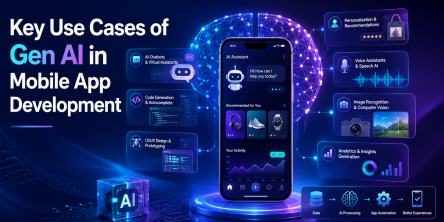
The digital world has always been evolving at a rapid pace. Ever since it first emerged. Take static applications, for example; their architecture is no longer agile enough to meet consumer expectations

A software product that took eighteen months to go from concept to launch five years ago is now expected to ship in a fraction of that time.

Most agentic AI projects fail to scale profitably because they work fine in a controlled demo but break down once they meet real production volume, messy data, and unpredictable user behavior

Adoption of AI recruitment automation across HR functions climbed from 26% to 43% in just two years, according to SHRM's State of AI in HR research.