

Top 3 Software to Fix Registry Errors in Windows 10
Registry plays an important role when it comes to your system performance. The Registry holds all important information related to various programs and operating system. If you are facing certain performance issues like crashes, system freeze, app response slowdown, errors popping out randomly or others, it may cause due to registry errors. To deal with this issue, you can use registry cleaner apps to find, clean, repair registry errors to optimize Windows performance. Using these software tools, you can restore stable and seamless operations. Let’s discuss some of these useful tools here.
CCleaner:
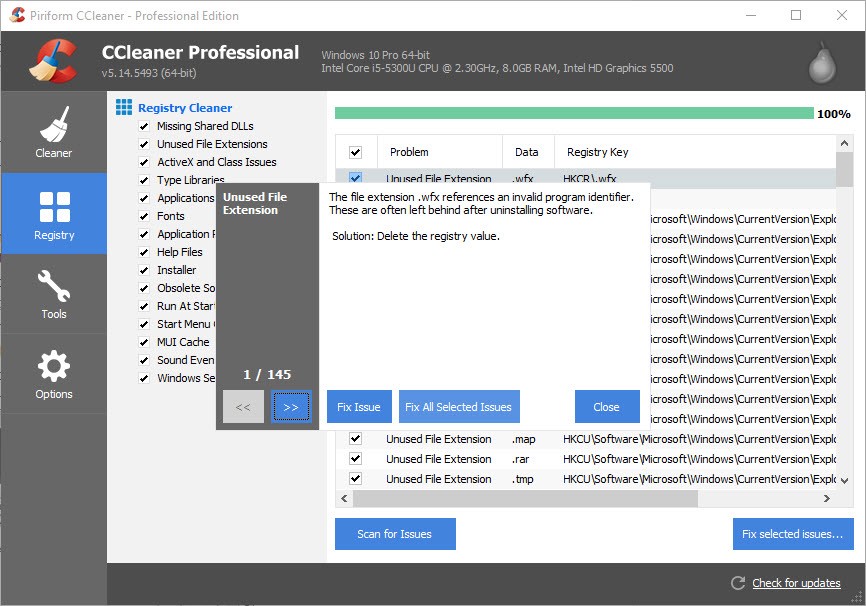
CCleaner is simple yet powerful tool that helps you scan, find and fix all registry errors in Windows 10 system effortlessly. This nifty tool supports all Windows versions and it is lightweight on system resources. Using this tool, you can find and clean all old registry entries and obsolete registry information for improved system performance. It further helps you fix issues related to various programs and helps you clean unnecessary data that is no more required.
Source: piriform
You can use CCleaner to clean registry entries (registry keys & registry values) that relates to old & obsolete items like fonts, help files, installers, apps & application paths, file extensions, type libraries, DLL files, sound events, COM/ActiveX objects and other items. It not only helps you fix registry errors but it works as a complete system cleaner. You can install this nifty tool with various installation options instantly. You can even exclude certain registry keys and values that you don’t wish to scan or remove. You can also use this tool on macOS 10.6 to 10.11 El Capitan.
RegClean Pro:
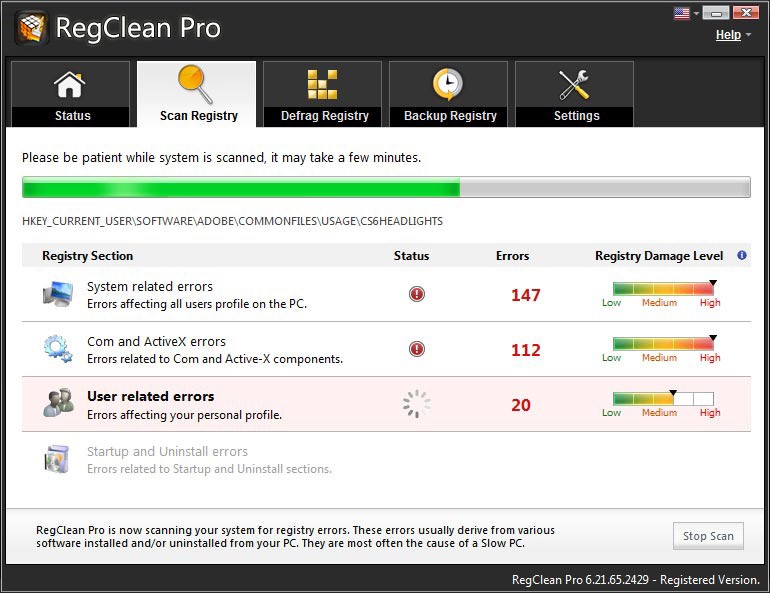
RegClean Pro is meticulously designed to help you remove registry errors and optimize Windows registry. You can use this tailor-made tool to fix various registry issues instantly and accurately. It works on smart techniques and advanced algorithms to find and delete all old & obsolete registry entries. It further helps you fix incorrect registry information as well to offer your neat and clean registry. Using this tool, you can clean and defrag your system registry to attain maximum and optimize system performance.
Source: systweak
RegClean Pro is a futuristic tool that helps you avoid system crashes and other performance related issues. It takes backup of your current registry so that you can undo the changes if needed. Its powerful search engines help you find and fix all type of registry errors effortlessly. You can run this safe and reliable registry cleaner software every month to optimize system registry for improved system performance. Further, you can make your system performance more stable and reliable.
Auslogics Registry Cleaner:
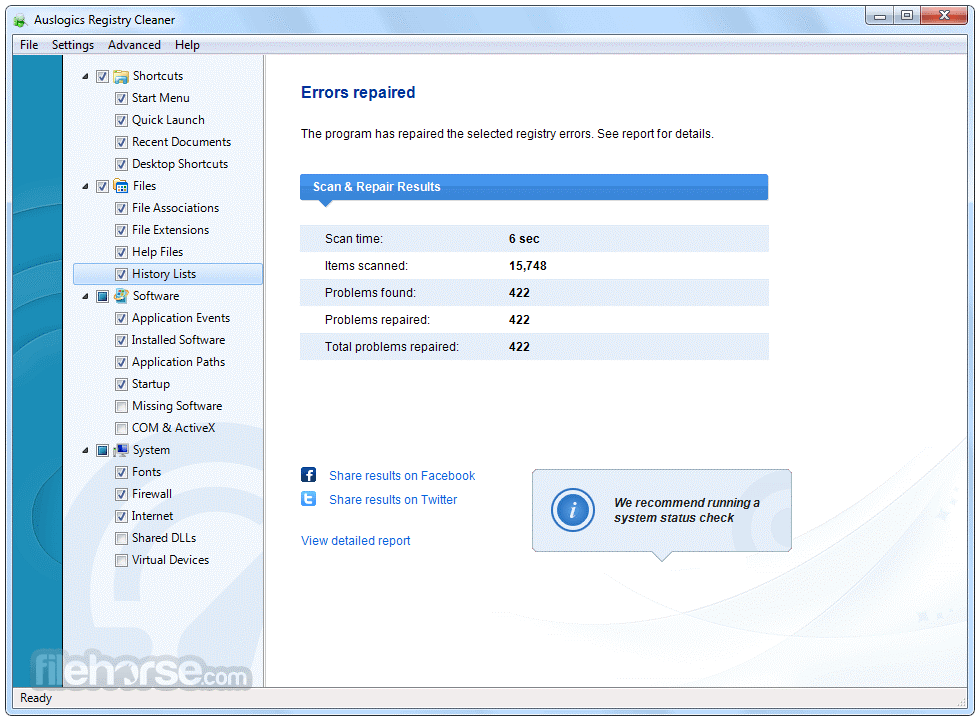
Auslogics Registry Cleaner offers categorized view in a list form to find and fix all registry errors. It works with simple and intuitive user interface to visually appeal the users. It offers one important feature where it displays the severity of registry error it encountered. While repairing registry errors it takes backup of the changes. If you want to undo changes done by this software then you can go to the Rescue Center to revert changes.
Source: filehorse
It takes various factors in count when searching for registry errors like files & file extensions, startup programs, Internet and font problems, application events, desktop shortcuts etc. Once scanned it display search results in groups such as history list, missing software issues, recent documents, file association and others. It allows you to take registry backup manually or automatically. You can use this registry cleaner tool to fix various registry errors instantly and accurately.
Conclusion: Registry cleaner software for Windows helps you find and fix various registry errors effortlessly. These tools work on smart algorithms to scan your complete registry information to find and fix all issues with it. These software programs further help you to improve your system performance seamlessly.
Similar Articles

The app development market has evolved significantly over the past decade or so. Its impact on business has been equally consequential.

Offshore IT hiring means recruiting IT professionals who work from another country or region. Companies commonly use this approach for software development, QA, IT support, DevOps, cybersecurity, data, and project management.

By 2026, moving to the cloud is no longer merely a competitive advantage. It is a business necessity. Every organization across the broad spectrum of industries will be challenged to become more agile.

Real-time dashboard showing multi-level commission tracking and distributor performance metrics

Digital transformation initiatives are no longer unheard of in the corporate world. As a matter of fact, it is also well known that companies expanding their digital footprint tend to run into crippling legacy apps.

The financial aid office has become one of the most operationally strained departments on the modern U.S. campus. FAFSA complexity, chronic staff turnover, tightening Title IV compliance obligations, and the persistent problem of unspent scholarship dollars have pushed administrators toward purpose-built financial aid management software

The demand for software delivery has never been higher. Applications must be delivered faster and on a scale like never before.

Modern businesses produce large amounts of data daily. Be it from customer transactions, Internet of Things (IoT) sensors, or countless other such sources.

Businesses today need to ship new software faster than ever. That's not news, of course. Anyway, because of the demands on businesses, new solutions are being built on top of micro-services, serverless functions, etc.