

7 Best WordPress Calendar & Event Plugins for 2025 (Tested & Compared)

If you are a new event planner running a WordPress website, you might feel overwhelmed with all the plugins and addons that are out there when managing events. We've curated this list of the top 7 best WordPress calendar plugins to help you pick the one for you. From booking tickets to managing concerts or workshops, these plugins can help you do it all. After testing several popular options and some lesser known ones, we’ve arrived at this list of the top 7 picks for 2025, based on features, ease of use, and real user feedback. Let’s dive in!
1. Modern Events Calendar: Elevate Your Event Designs
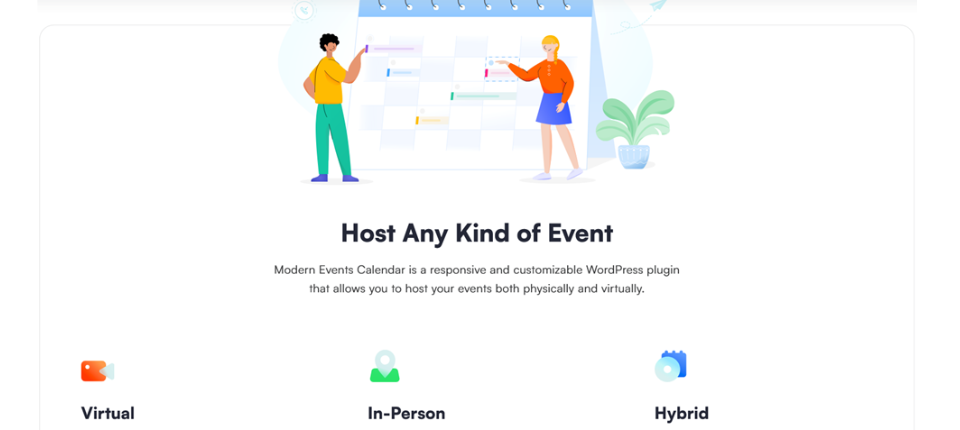
Modern Events Calendar stands out for its balance of aesthetics, functionality, and affordability. With over 50 eye-catching layouts, including grids, lists, and countdown timers, it’s ideal for creating visually engaging event pages. Community-driven sites benefit from recurring events and front-end submissions, while integrations with Zoom, WooCommerce, and Elementor streamline operations. However, premium features like seat maps or PDF invoices require paid add-ons.
The free Lite version is robust, but the Pro plan ($99/year) unlocks advanced tools for growing businesses.
Watch out for: Some advanced features (like seat maps,PDF invoices, and waiting list) require paid add-ons.
Price: Free (Lite version) | Pro starts at $99/year.
2. The Events Calendar: A Trusted Choice for Event Management
Trusted by over 700,000 websites, The Events Calendar is synonymous with reliability. It’s tailored for large-scale events, offering Google Maps integration and iCal exports to simplify scheduling. Compatibility with popular themes like Divi and Avada ensures seamless design integration. While the free version covers essentials, recurring events require the Pro plan ($149/year). Its scalability and polished interface make it a go-to for universities, conferences, and organizations managing complex calendars.
Downside: Recurring events need the Pro version.
Price: Free | Pro from $149/year.
3. Events Manager: Power-Packed Features on a Budget

Events Manager proves that free plugins can still deliver premium value. It supports recurring and multi-day events, booking forms, and Google Maps—all without a subscription. Nonprofits and small businesses will appreciate its budget-friendly approach, though the interface feels slightly outdated compared to modern competitors. For $129/year, the Pro version adds custom booking fields and advanced reporting, making it a versatile choice for those prioritizing functionality over frills.
Cons: The interface feels a bit outdated.
Price: Free | Pro at $129/year.
4. All-in-One Event Calendar (Timely): Simplicity Meets Efficiency
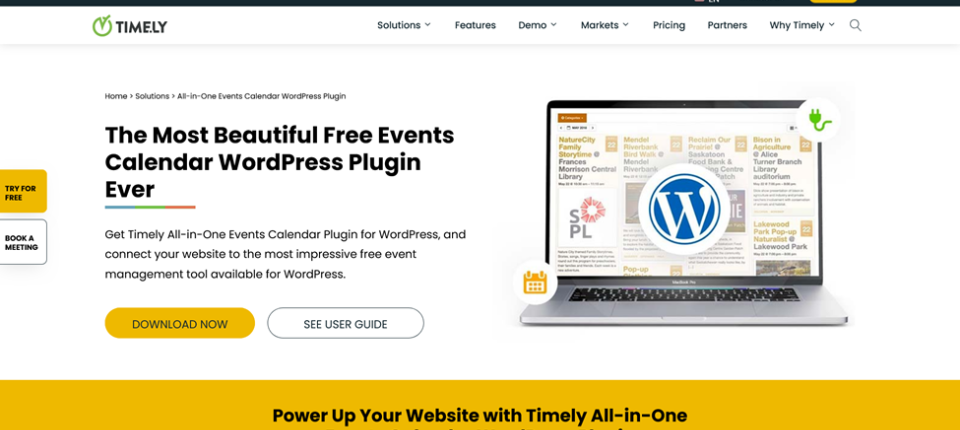 For users seeking a no-fuss solution, All-in-One Event Calendar excels with its lightweight design and intuitive setup. It handles recurring events and Google Maps integration effortlessly, making it ideal for local clubs, schools, or personal blogs. However, ticketing requires third-party add-ons, which might deter businesses focused on sales. The free version is fully functional, with optional Pro upgrades for those needing extra customization.
Limitation: Lacks ticketing without add-ons.
Price: Free forever, but has a pro version too!
5. My Calendar: A Developer’s Playground for Customization
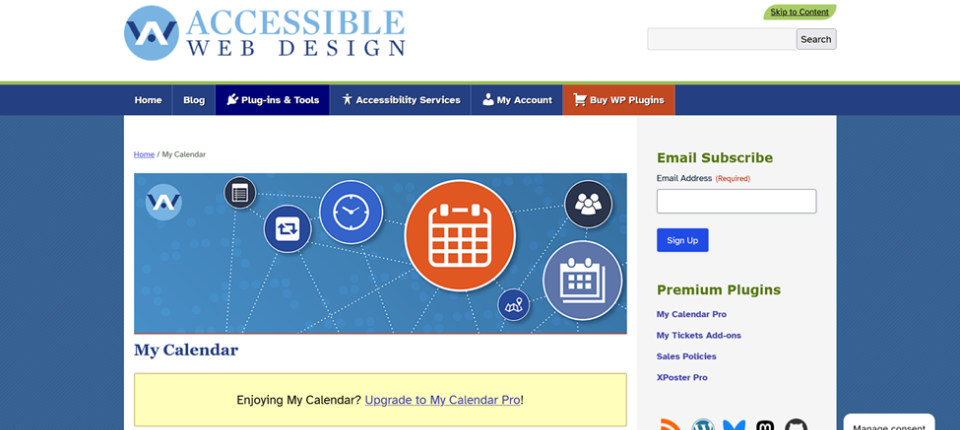 My Calendar caters to developers and multisite networks with its open-ended customization. Using CSS and shortcodes, tech-savvy users can tailor every aspect of their calendars. It’s perfect for agencies managing multiple client sites, though beginners may find the lack of drag-and-drop tools challenging. Pricing varies for Pro features, but the free version alone offers impressive flexibility for those comfortable with code.
Not ideal for: Beginners who want drag-and-drop simplicity.
Price: Free | Pro pricing varies.
6. EventOn: Visually Captivating Displays for Memorable Events
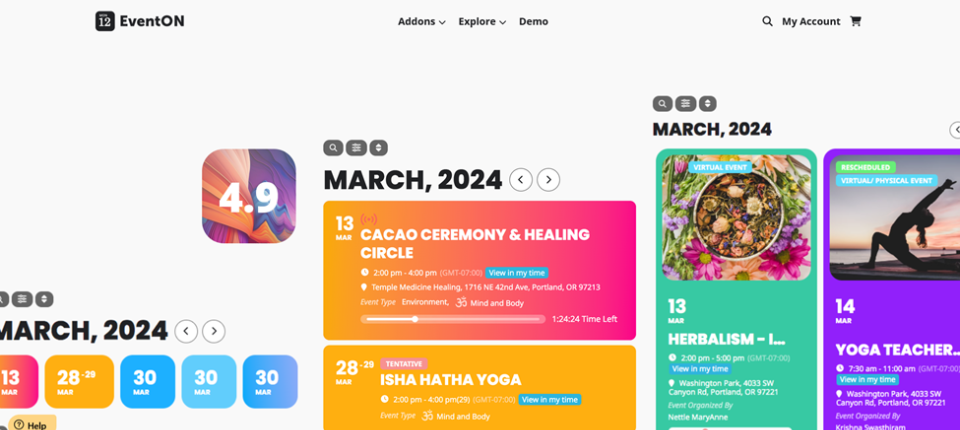 EventOn shines with its card-based templates and dynamic layouts, ideal for festivals, conferences, or creative portfolios. Its unique scheduling options like “first Thursday of every month”, add flexibility, while WooCommerce integration simplifies ticket sales. The free version is visually rich, but Pro plans start at $19 for premium templates and advanced features. Just note that add-ons can increase costs over time.
Catch: Free | Pro starts at $19 (plus add-ons).
7. Amelia: Seamlessly Blend Appointments and Events
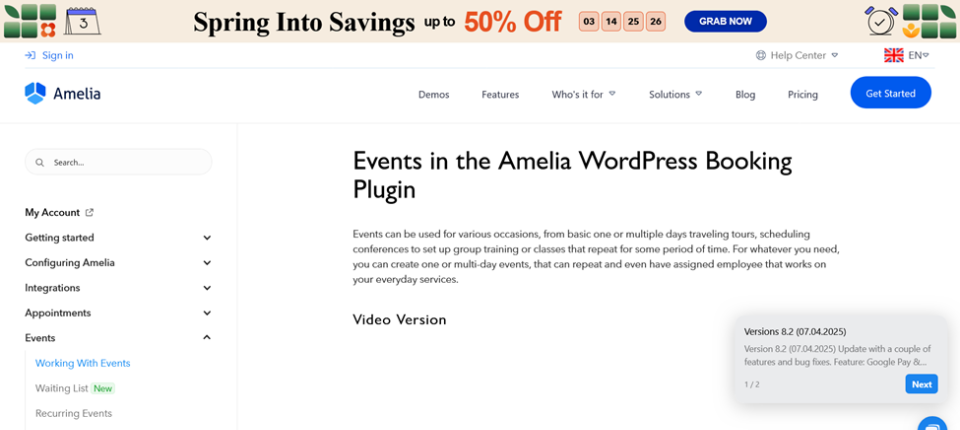 Amelia bridges the gap between appointments and events, making it perfect for gyms, salons, or consultancies. Automated payments (via Stripe or PayPal) and SMS reminders reduce administrative tasks, while its dual booking system streamlines operations. The Pro plan ($49/year) unlocks full features, though the free version offers a solid foundation for small businesses testing the waters.
Price: Free | Pro from $49/year.
Quick Comparison Table
| Plugin | Best For | Free? | Pro Price | Key Features |
| Modern Events Calendar | Design & flexibility | ✅ | $99/year | 50+ layouts, many integration |
| The Events Calendar | Large-scale events | ✅ | $149/year | Google Maps, iCal exports |
| Events Manager | Budget-friendly | ✅ | $129/year | Recurring events, bookings |
| All-in-One Calendar | Simple calendars | ✅ | Free | No upsells, easy to use |
| My Calendar | Developers | ✅ | Varies | Multisite support, customizable |
| EventOn | Visual appeal | ✅ | $19 | Stunning templates, WooCommerce |
| Amelia | Bookings & events | ✅ | $49/year | Automated payments, SMS alerts |
Final Thoughts
Most users will find Modern Events Calendar offers the best balance of design and functionality. If budget is a concern, start with Events Manager or All-in-One Event Calendar. For booking-centric businesses, Amelia’s automated tools are invaluable. Always test free versions first to gauge compatibility with your workflow. Pro tip: Try the free versions first to see which fits your workflow!
Why Trust This Guide?
Our recommendations stem from hands-on testing across client projects and personal websites. We analyzed user reviews, update frequency, and feature sets to ensure reliability. With transparent pricing and no affiliate bias, our goal is to simplify your search for the perfect WordPress event plugin in 2025.
Similar Articles

The gaming industry has evolved far beyond simple console and PC experiences. Today, players expect to switch between smartphones, tablets, laptops, and gaming consoles without losing their progress or digital assets.

Business leaders and IT managers understand that modern digital platforms must be highly secure, lightning-fast, and strategically designed to convert visitors into loyal customers.

Web Development 2.0 is upon us. Businesses want efficiency and faster turnaround time on projects. This is all so they can stay competitive in today's digital economy.

Website security is no longer optional. Whether you are launching a personal blog, an e-commerce platform, or a corporate website, protecting user data has become one of the most important responsibilities for website owners.

For many freelancers, agencies, and beginners, building a custom WordPress theme from scratch was one of the most time-consuming parts of launching a website.

WordPress is powering most websites on the web. So, it’s very obvious you need to stay one step ahead to stand out in the competition.

Choose the right eCommerce development service in 2026—review expertise, tech stack, pricing, security, and scalability to build a high-performing store.

The ride-hailing industry is still growing fast. Whether you are a startup looking to launch your first taxi app or a business owner who wants to expand into on-demand transport, building an Uber-like app is one of the most practical moves you can make right now.

Shopify Plus is Shopify's enterprise eCommerce platform designed for high-volume merchants processing millions of dollars in annual revenue.